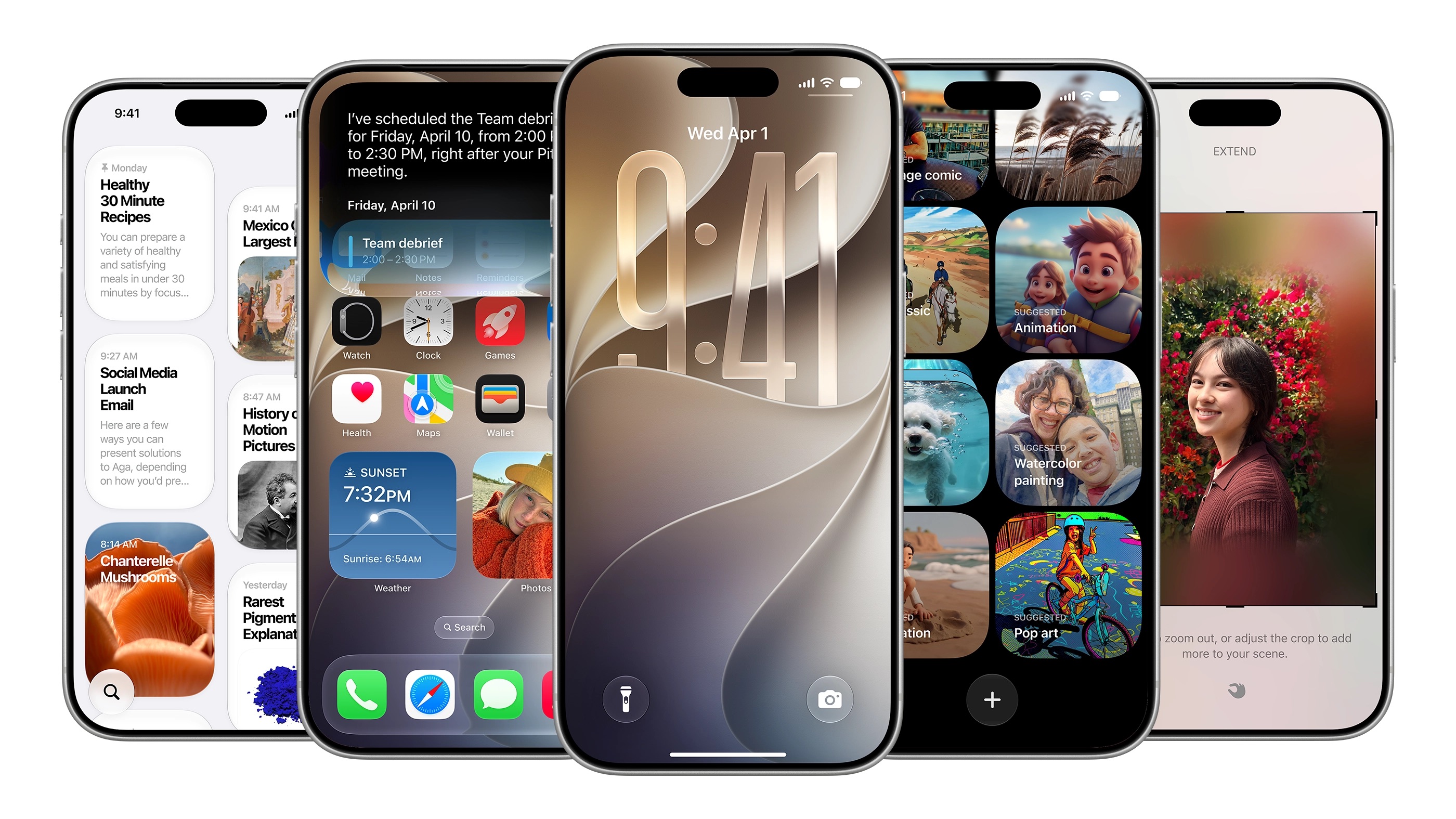
The new Siri AI was the star of the show at Apple’s WWDC 2026 event, and while iOS 27 isn’t bringing major changes, it’s still got many small features that could improve everyday usage for iPhone users.
Here is a non-exhaustive list of features that Apple didn’t talk about onstage:
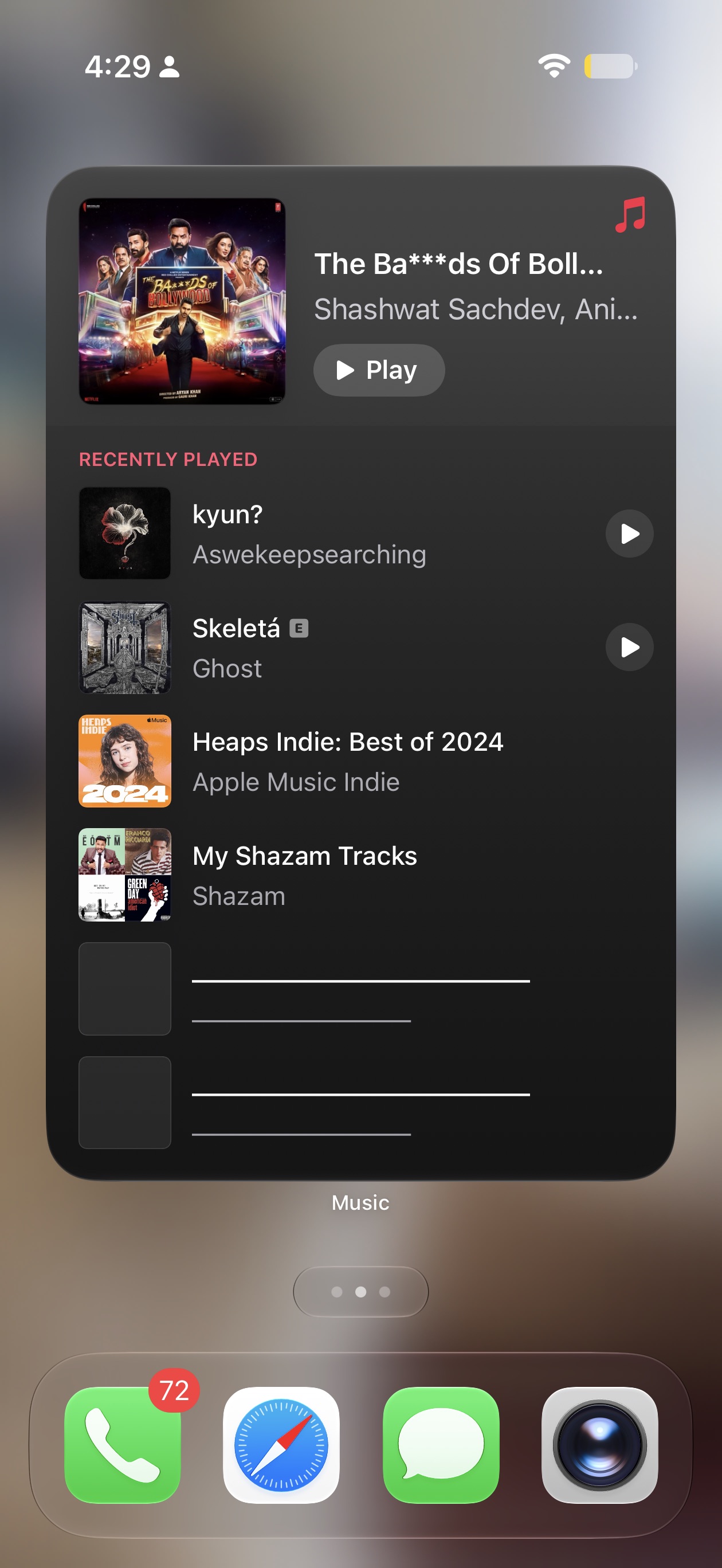
- iOS 27 now allows you to add full-screen widgets on the home screen, making it easier to scan news or your calendar.
- Users can now set separate volume levels for alarms, timers, alerts, and system sounds. Users will need to navigate to Settings > Sounds & Haptics, turn off the “Match Ringtone Volume” toggle, and adjust sliders manually.
- Apple is making it easier to copy and paste text or images between apps. When you have text or a screenshot in your clipboard, you will get an option on the keyboard to paste it. This is similar to how you post one-time passcodes from Messages.

- The weather app is getting a design update: There’s a new highlights section that surfaces notable events in the upcoming days. Plus, you can now easily switch between Conditions, Precipitation, and Wind views.

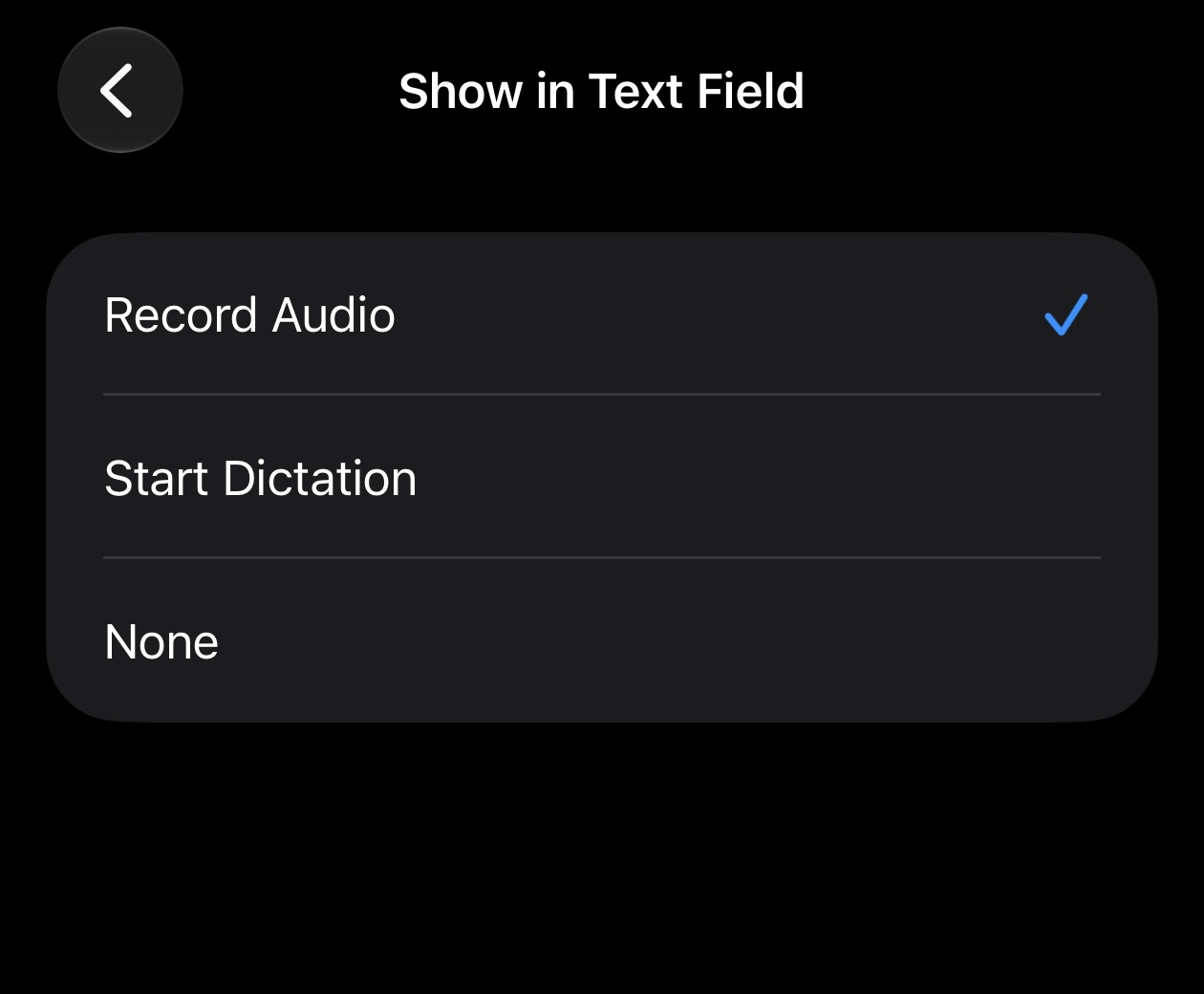
- Users can now customize the Messages app to show either a voice recording or dictation button, or hide them entirely.
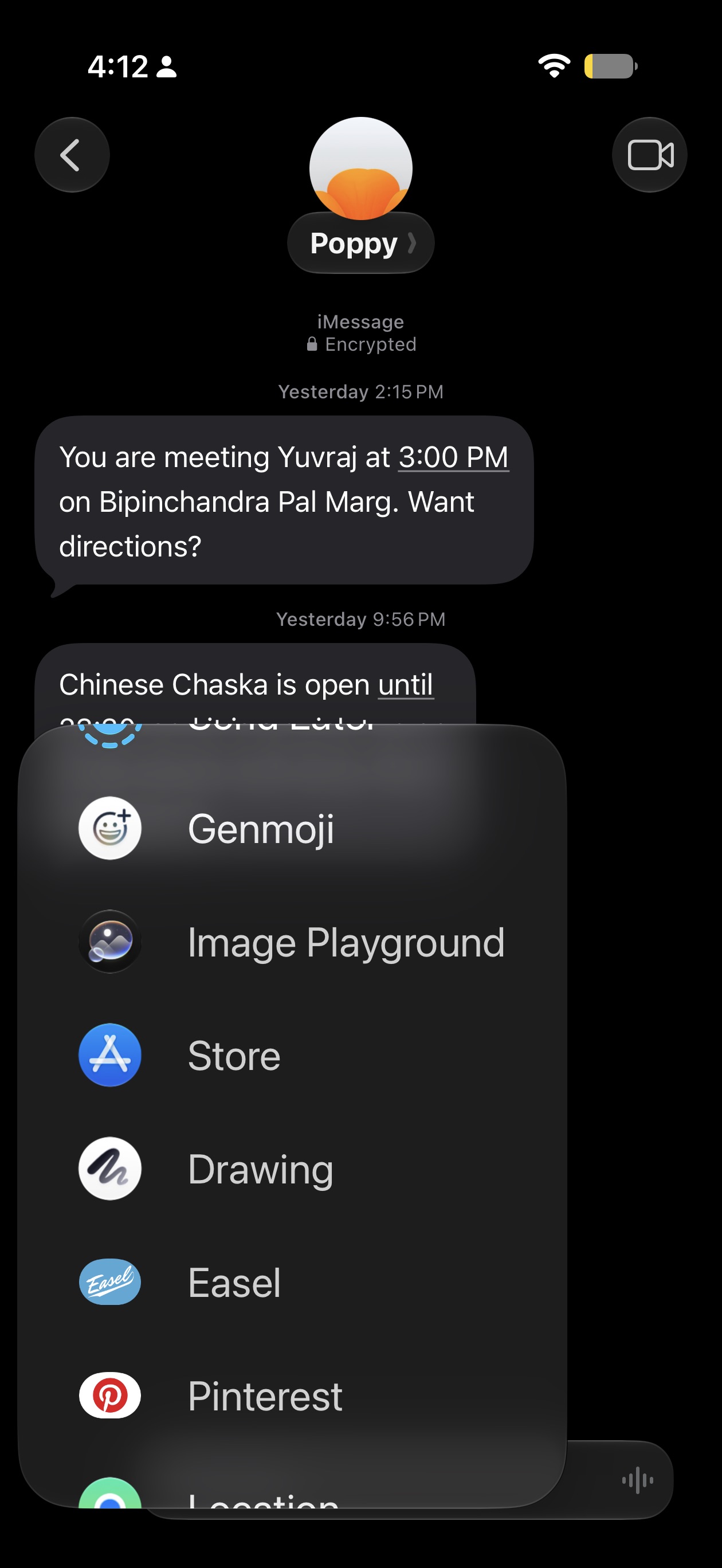
- Messages now offers a Drawing option, allowing you to sketch a note or a diagram and send it to others.
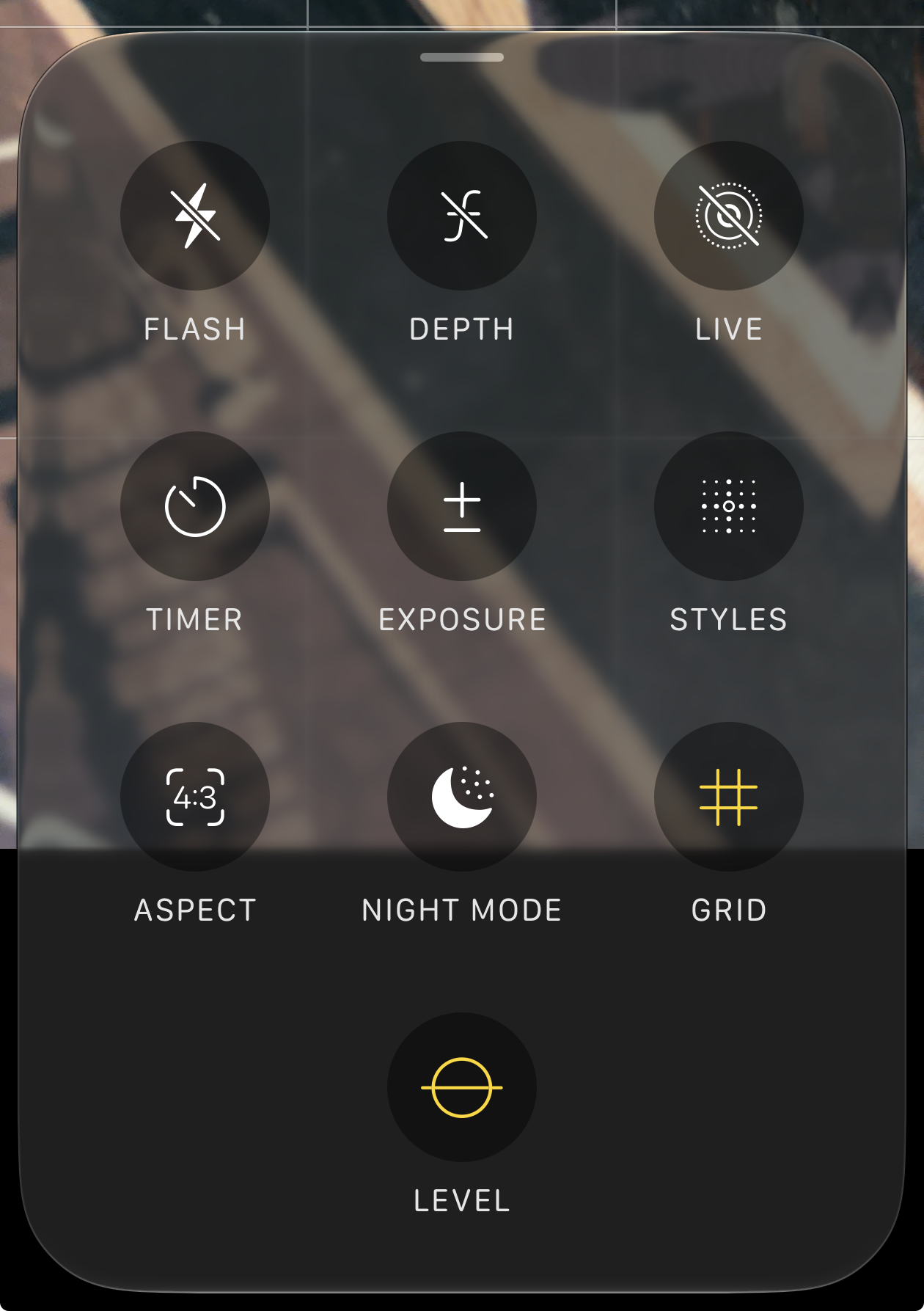
- The camera controls are getting an overhaul, with easy access to depth, grid, and level options.
- The emoji keyboard has a small scroll bar at the bottom.
- Timer has a new slider UI when you activate it from the control center.
- You can hide your location in Find My from a specific person for a set amount of time without letting them know.
- The Wallet app now lets users create their own custom pass.
- CarPlay finally has an audio scrubbing option, as discovered by this Reddit user.
- iOS 27 allows you to manually sync files, photos, and health data to iCloud.
- Calendar can now detect holidays and ask if you still want to keep your scheduled alarms.
Catch up on WWDC 2026
Everything announced, from start to finish